New User
This section explains the dialogues for accessing the SDH website.
First access
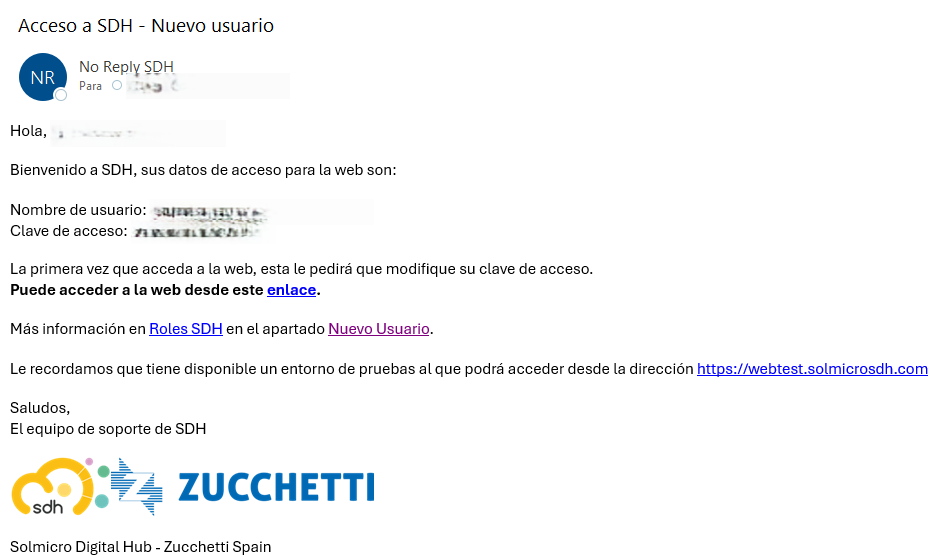
You will have received an email from SDH like the following:
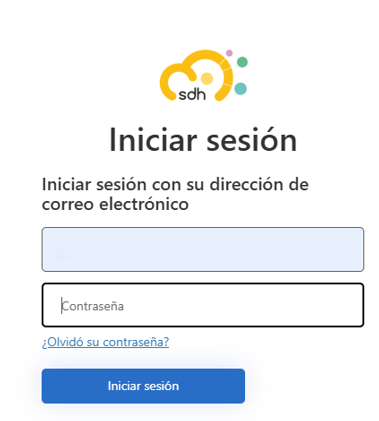
The first thing you need to do is access the SDH website by entering:
- your email address, which is the value of 'Nombre de usuario' provided in the email.
- your password, which is the the value of 'Clave de acceso' provided in the email.
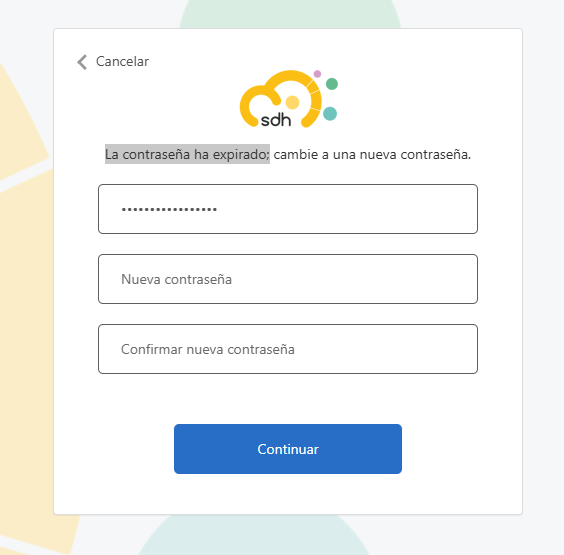
On your first login, you will be asked to change your password.
Although the dialog box indicates that 'La contraseña ha expirado', it will actually expire when you enter the password indicated in the email, and the new password you want, and press the Continuar button.
Once the new password has been set, the SDH website homepage will be displayed, along with the different options you can perform on it.
You can find more information at Company User.
Forgot your password
For subsequent access to SDH, if you forget your password, you can request it from the Iniciar sesión dialog, in the '¿Olvidó su contraseña?' option, where the following dialog is displayed:
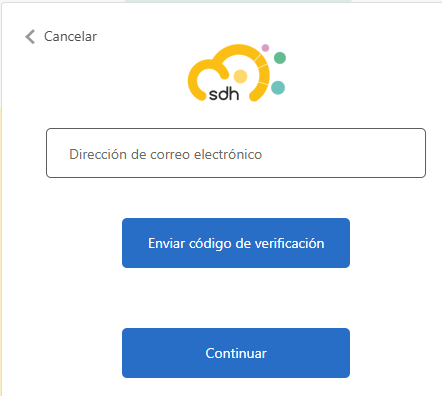
You must enter your email address and press the Enviar código de verificación button.
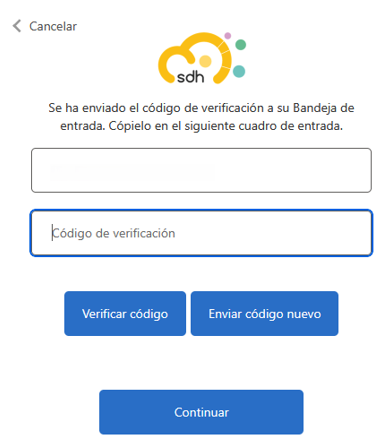
You will receive an email containing this verification code, which you must enter in the following dialog: