Company Administrator
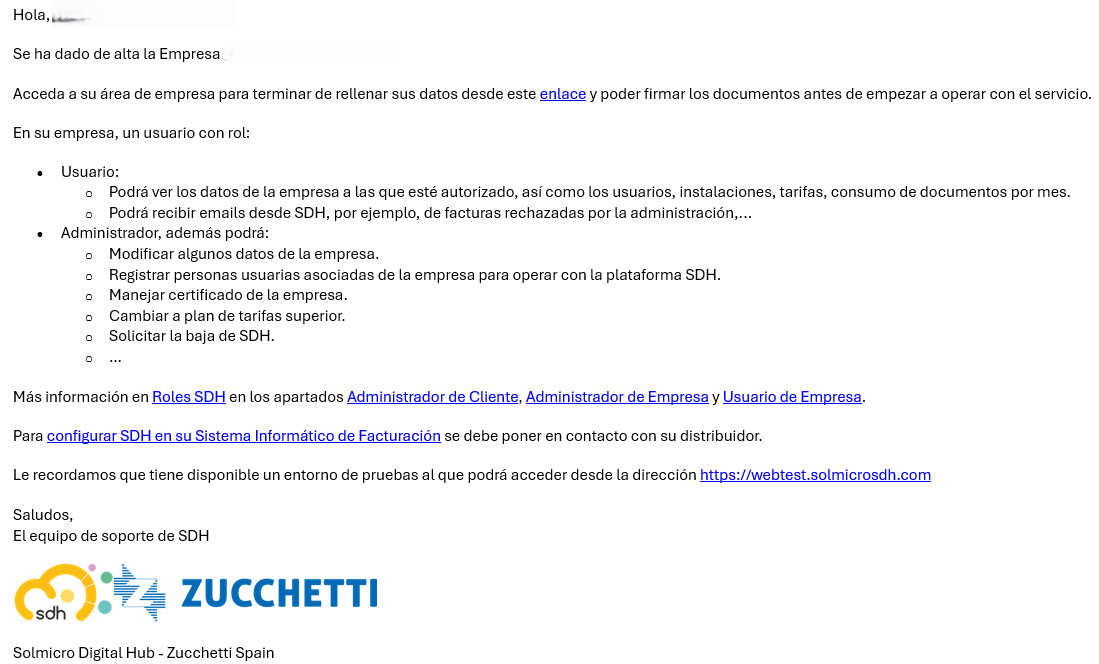
You will have received an email from SDH like the following:
The main functions you should perform from the SDH website on the Empresas page are:
-
Verify that both the Tax ID (NIF) and the Business Name are correct and match those used in your billing software. If not, report this issue to support@solmicrosdh.com.
-
Edit the Company’s general data using the Editar button. Please note that there may be a vertical scroll to view all the data. Save the edited data with the Guardar button.

-
Register new users or assign existing Customer users to the Company using the Añadir usuario button.

-
Optionally, grant access to a Distributor Consultant/Implementer using the Añadir consultor button.

-
Sign the SDH Agreement. This is mandatory for SDH to process invoices sent from the Billing Software.
- For convenience, signing via Firmar contrato con SignPoint is recommended. View sign with SignPoint.

- It is also possible to download the document, sign it manually, and upload it for review by the SDH Administrator.

- For convenience, signing via Firmar contrato con SignPoint is recommended. View sign with SignPoint.
-
Sign the AEAT Collaboration Agreement. Optional but highly recommended in Veri*Factu, so that SDH signs document submissions to the Tax Administration using the Zucchetti Spain seal certificate.
Otherwise, the Company must manage its own seal certificate.- Signing via Firmar convenio AEAT con SignPoint is recommended. View sign with SignPoint.

-
It is also possible to sign by downloading the document and then uploading it already signed so that it can be reviewed by the SDH Administrator.

-
If the AEAT Collaboration Agreement is not signed, the Company must manage its own AEAT Seal Certificate using the Importar Certificado button.
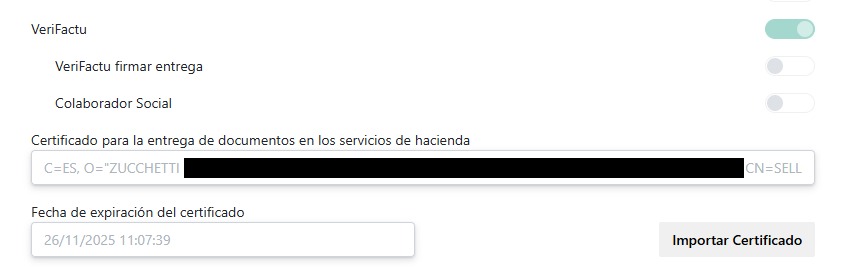
- Signing via Firmar convenio AEAT con SignPoint is recommended. View sign with SignPoint.
-
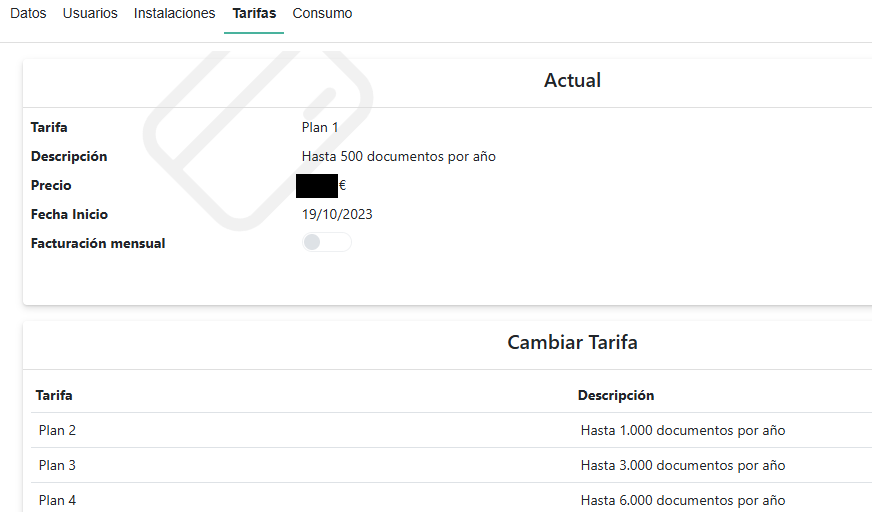
Review whether the tariff plan is appropriate. The Company can switch to a higher plan from the Tarifas section by selecting the new plan.
Sign with SignPoint
Signing via SignPoint sends an email to "Correo Electrónico Persona firma contrato y convenio" with a button that links to a webpage where the signing process takes place, like for example
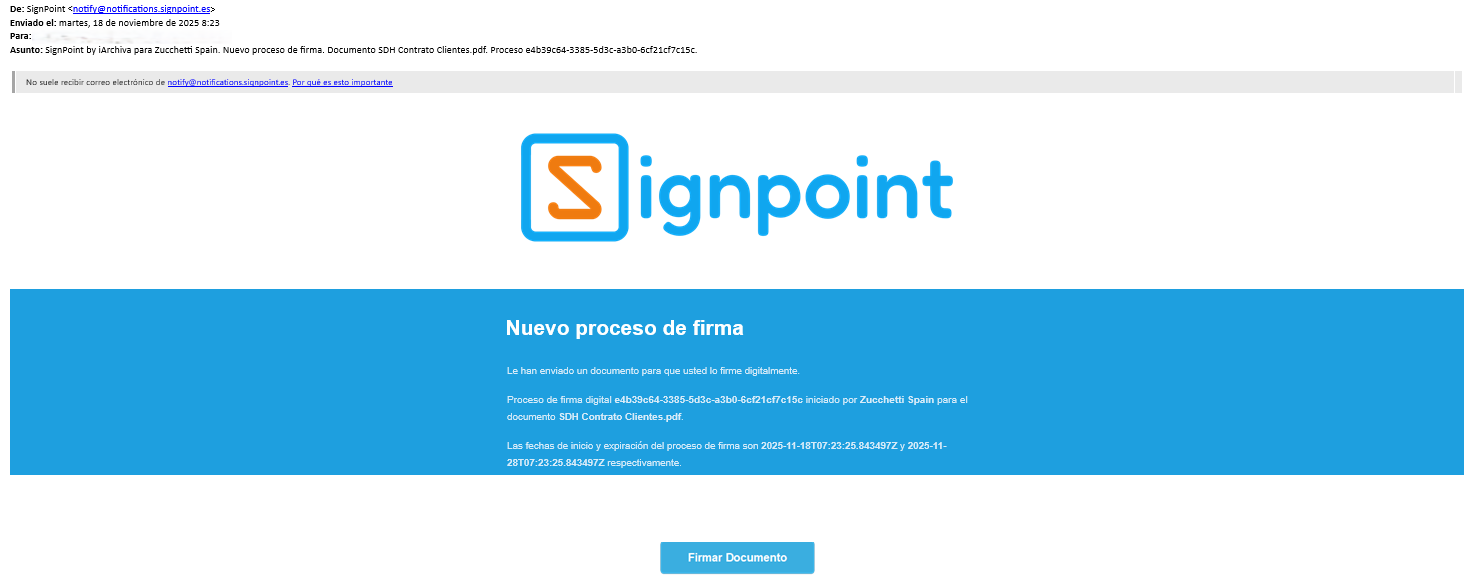
It is necessary to read the entire content of the webpage (by scrolling vertically) for the signature button to become available at the top of the page.
Then, click the button, which offers three ways to sign: by handwriting, by attaching an image, or by typing the name of the person signing.

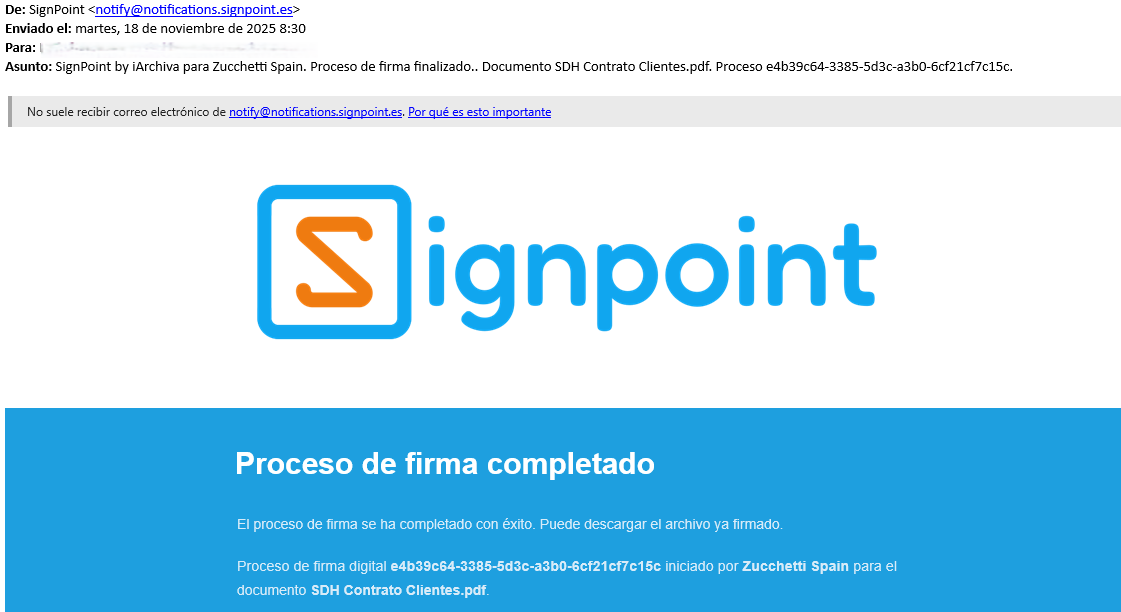
Once the signing process is complete, you will receive an email like the following: